




IBM SkillsBuild AI in Education: Build AI Tools That Adapt to how Students Learn
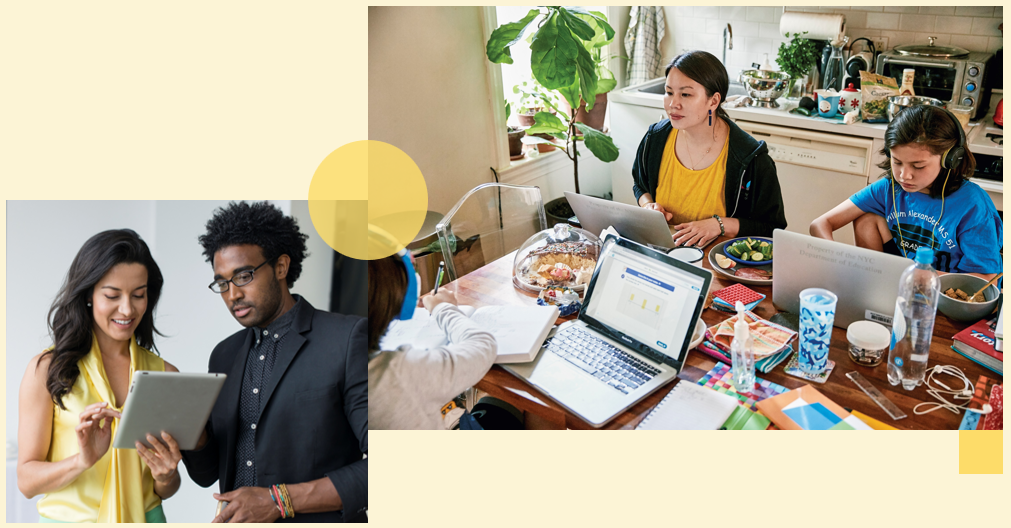
In this 60-minute webinar, we will explore how AI in education is booming, but "getting it right" matters — this session explores what responsible, effective AI tools for education look like, from adaptive tutoring to accessibility support. Through a live demo, you'll see IBM Bob used to build a sample education tool from scratch, with a focus on student data privacy and responsible design.
What You’ll Learn
- Understand current adoption trends and categories of effective AI tools in education
- Identify what makes an education AI tool "the right stuff" (adaptive, accessible, and supportive)
- Build a sample education tool (e.g., quiz generator or feedback assistant) using IBM Bob
- Debug, test, and auto-generate documentation for an AI-assisted tool
- Apply responsible AI practices for education, including student data privacy and academic-integrity safeguards
Program Breakdown & Modules
- Total Estimated Duration for webinar: 60 minutes
- Total Estimated Duration for all optional and webinar training: 65 minutes
- Preparatory Activity (Recommended before live session): 5 minutes This video introduces how AI tools, such as IBM Bob, can streamline everyday work by automating routine tasks and assisting with more complex ones. We kindly suggest that you watch this brief video before starting the webinar. NOTE: This is the same recommended video for all fall webinars in this series. You need to watch it once.
Live Virtual Classroom
- Live Webinar: Build an AI Wellness App in 60 Minutes
- Date & Time: October 20, 2026 | 12:00 PM -1:00PM ET
- Duration: 1 hour
Registering for the IBM SkillsBuild Webinar
1. Click the teal Register button on the NAAIC event page.
2. You will be prompted to Log-in or register for IBM SkillsBuild.
NOTE: If you do not have an IBM SkillsBuild account, you can create a free account.
3. Click the blue ENROLL button on the IBM website.
4. Manually add the event to your calendar. (IBM will not send an automated calendar invite.)
IBM SkillsBuild email invitations will come from donotreply@skillsbuild.org and be shared during enrollment period.
IMPORTANT: Once you click "Enroll", it takes up to 24 hours for IBM SkillsBuild to share your official invitation. (Check junk mail.)
On the day of the webinar, the link will be posted in the webinar section of the IBM learning plan.