




For Teachers
GitHub Education for Teachers

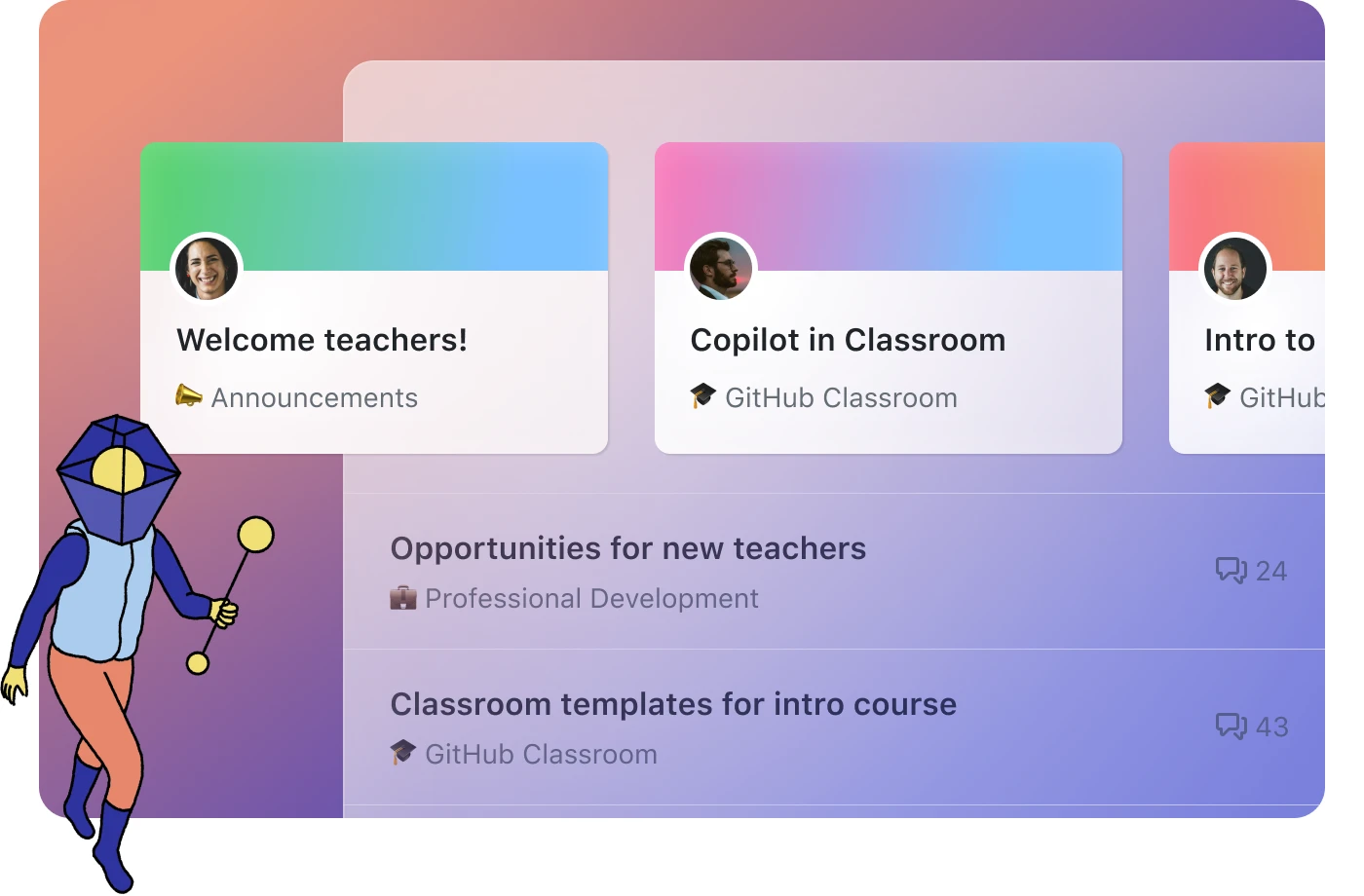
Enhance your teaching experience with GitHub: Get a free GitHub Teams account designed for educators, with unlimited private repositories, streamlined team permissions, and classroom-ready security.
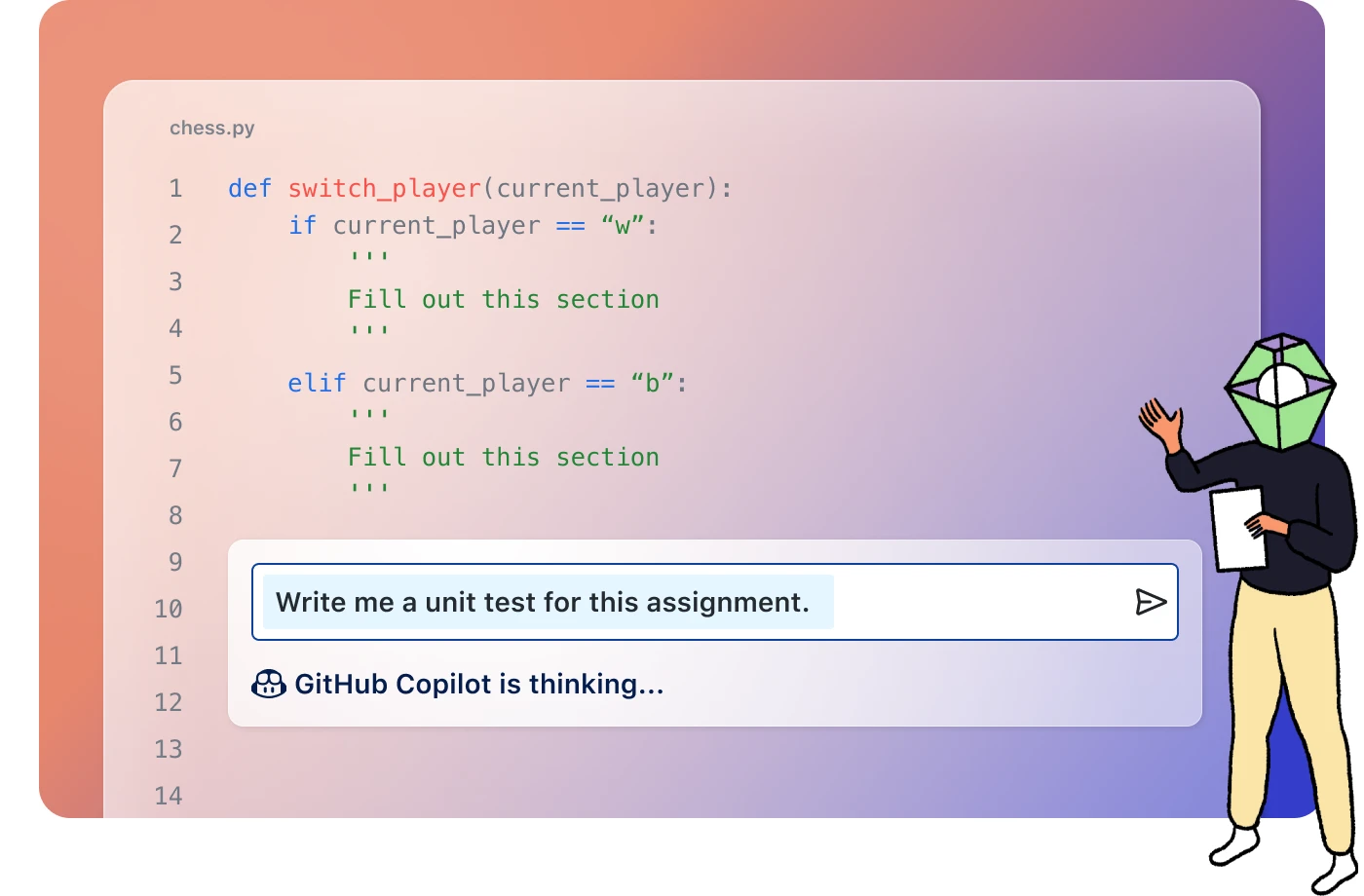
Transform Your Curriculum with AI & Automation: Give yourself more time to teach by using GitHub Copilot Pro (free for verified teachers) and GitHub Classroom to automatically grade code, integrate with your LMS, and create ready-to-run assignments with ease.
Join a Global Community of Innovative Educators: Connect with fellow teachers in invitation-only discussions where you can share strategies, spark new ideas, and grow professionally.

Teacher Toolbox
A Complete Hub of Ready-to-Use Teaching Resources: The Teacher Toolbox brings together curated support materials like professional development guides, curriculum assets, administrative resources, videos, and AI-in-the-classroom materials, to help you confidently integrate GitHub into your teaching practice.
Structured Learning Pathways to Build Your GitHub Skills: Teachers can start with guided pathways such as Intro to Git & Version Control, GitHub Foundations for Non-Developers, Markdown, GitHub Issues, and introductory Copilot resources.
Fresh, High-Impact Teaching Tools & Announcements: Get access to new and featured resources like the Data8 pedagogy guide, GitHub Day workshop materials, Copilot for Beginners guides, and more; all designed to strengthen your teaching, save time, and enhance student engagement.
For Institutions
GitHub Classroom
Automate Assignments & Free Up Your Time: GitHub Classroom streamlines your workflow by automatically distributing assignments, creating student repositories, and offering autograding that runs tests with every student push, saving you grading time while giving students instant feedback.
Give Better, Faster, More Insightful Feedback: Provide line-by-line comments, request changes, and track student progress through GitHub's version control. You can even see individual contributions in group work, helping you intervene early when students get stuck.
Scale With Confidence in Any Course Size: Build individual or group assignments with starter code, manage private or public student repos, and leverage workflows that seamlessly support large classes, all using the same industry-standard tools developers use every day.

GitHub Enterprise for Schools
Transform Your Campus with Industry-Standard Tools: Schools get free access to GitHub Enterprise Server and Cloud, empowering faculty and students with real-world tools like GitHub Actions, Codespaces, and Copilot Pro to elevate their technical curriculum and modernize instruction.
Enhance Teaching & Collaboration Across Departments: GitHub Classroom helps faculty automate feedback, manage coursework, and make classes more interactive, while campus-wide GitHub adoption strengthens collaboration on projects and assignments for both educators and students.
Empower Student Tech Leaders on Campus: The GitHub Campus Experts program trains passionate students to build inclusive, impactful technical communities through events, workshops, open-source collaboration, and leadership development—supported by GitHub resources like mentorship, swag, and access to global opportunities.
For Students
Student Developer Pack
Free Access to Professional-Grade Developer Tools: Your students get hands-on experience with real industry tools like GitHub Copilot, GitHub Codespaces, Visual Studio Code, and dozens of partner offers.
Curated Learning Experiences That Build Real Skills: The Pack includes guided "Experiences" like Intro to Copilot, Intro to GitHub, and Understanding Markdown, helping students learn AI-assisted coding, workflows, communication, and open-source fundamentals in a structured, approachable way.
A Launchpad for Student Growth and Confidence: With access to cloud-based development, certification prep, and open-source toolkits, students can practice, build projects, and gain skills that translate directly to internships, research, and career-ready portfolios.
To learn more about how Microsoft supports NAAIC, click here.